Free · iOS & Android
Turn Screenshots Into a Searchable Library
Offline OCR, infinite visual canvas, and social spaces — 100% private, everything stays on your device.
Offline OCR, infinite visual canvas, and social spaces — 100% private, everything stays on your device.
ArchiveLab turns your screenshot gallery from a chaotic mess into a structured, searchable knowledge base.
Text is extracted directly on your device — no internet, no server, no upload. Google ML Kit processes everything locally in seconds.
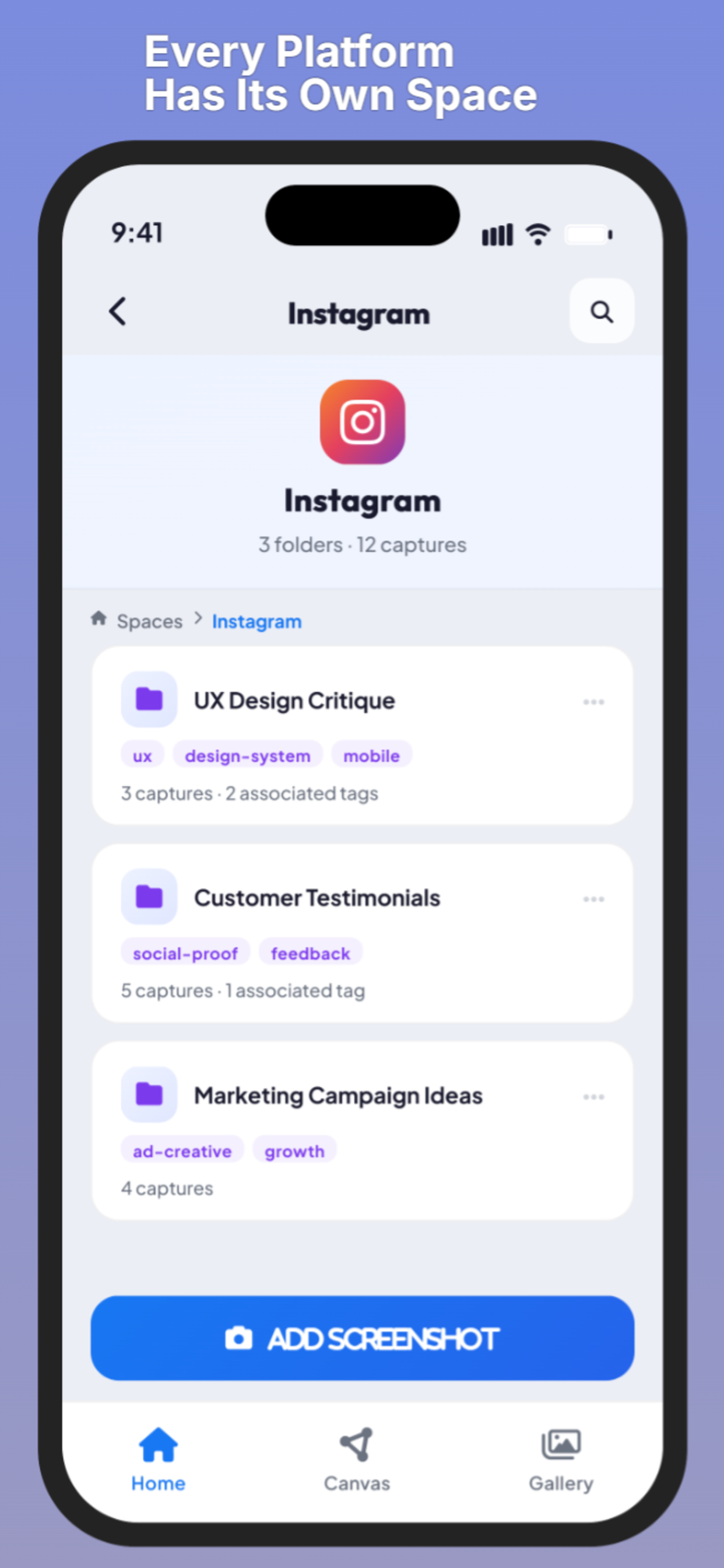
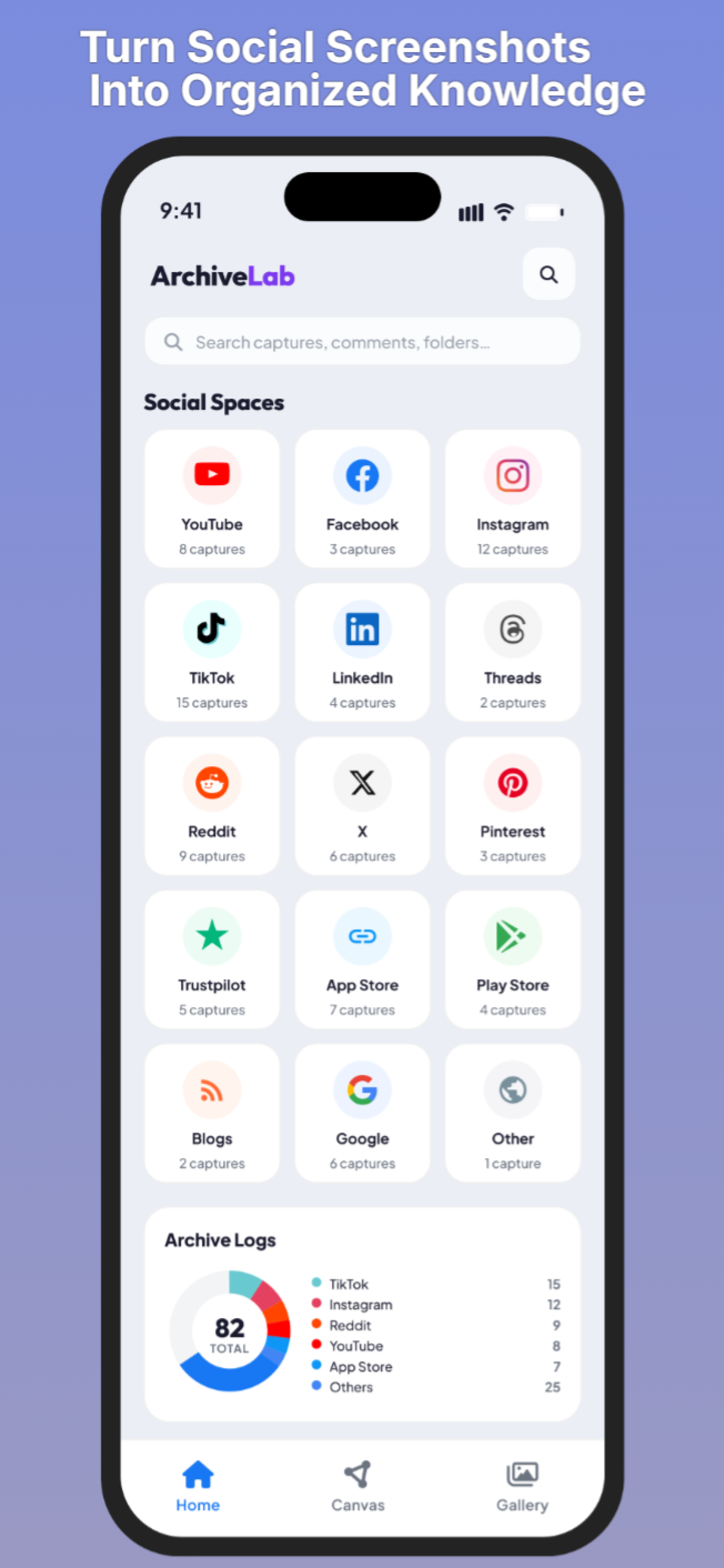
Organize screenshots by platform — Instagram, TikTok, X, Reddit, YouTube, and more. Each platform gets its own dedicated space.
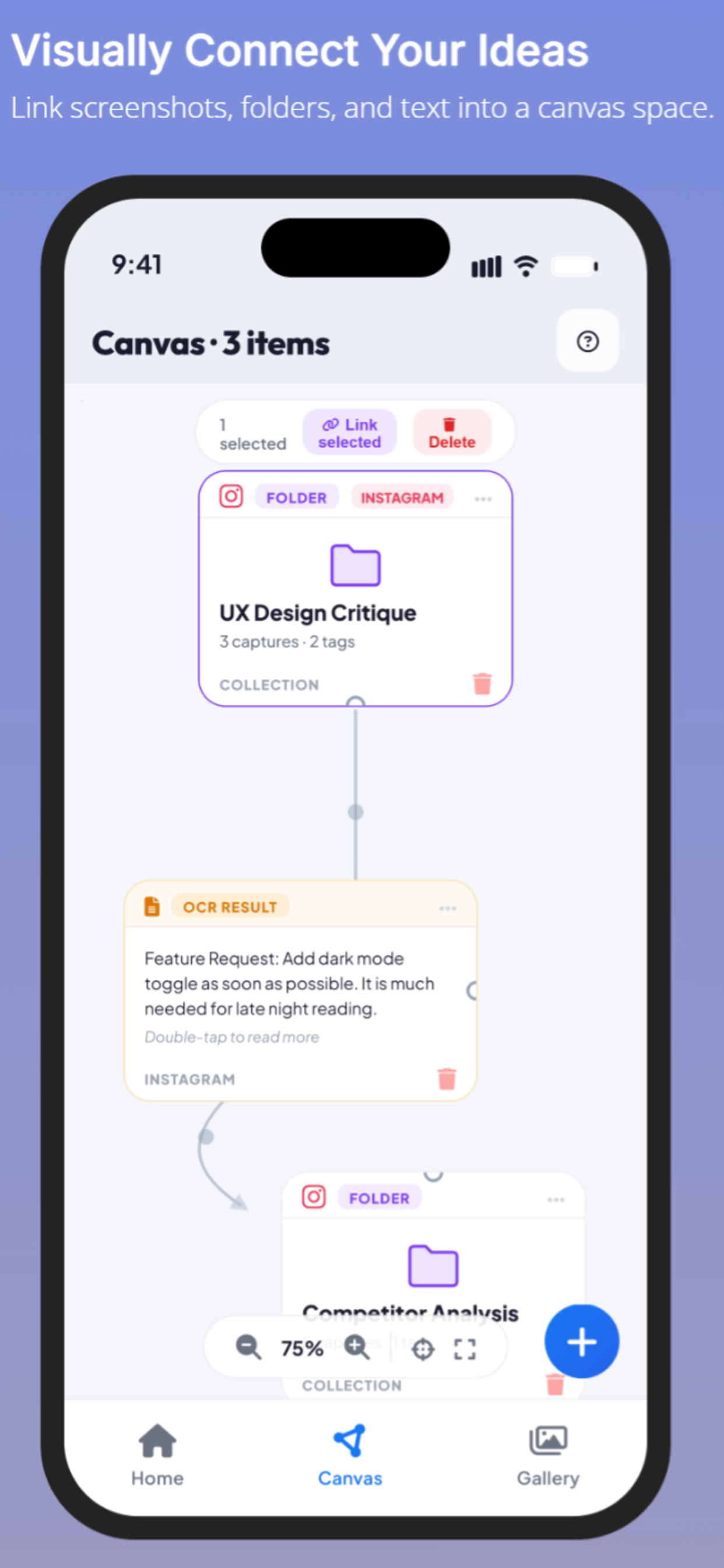
Link screenshots, folders, and OCR results visually. Drag, connect, and map your ideas on an infinite canvas workspace.
Search across thousands of screenshots instantly. Find any word, post, or comment anywhere in your archive.
Create thematic folders inside each social space. Add tags to group and filter your captures exactly how you think.
Export extracted text as TXT or CSV files. Share structured content with your team or import it into other tools.
No account. No setup. Just open the app and start importing.
Pick any screenshot from your gallery. Manually select the captures that matter most to you.
Text is extracted instantly on-device. No internet required. Organize into Social Spaces, folders and tags.
Search your entire archive in seconds. Link captures visually on the infinite canvas.
ArchiveLab is built on a simple principle: your screenshots are yours. We never upload, store, or process anything on our servers.
"This offline backup feature is a lifesaver! I can finally organize my learning screenshots without having them cluttered in my main gallery."
"The privacy aspect is top-notch. No server upload is a huge plus. 100% local OCR is fast too."
"The canvas view is super intuitive for mapping out thread replies. Great job on the UI!"
Free to download. No account. Everything stays on your device.